Cursor has become incredibly popular.
Recently, Cloudflare’s VP shared a video on Twitter showcasing how his 8-year-old daughter created a chatbot using Cursor in just 45 minutes.
After watching the video, I was amazed at Cursor’s capabilities.
In the past, I have used ChatGPT to write plugins, GitHub Copilot, and other programming tools. However, their efficiency improvements were quite limited.
For instance, with ChatGPT, I needed to provide a complete code structure and files for it to help develop new features or find and fix bugs. This interaction was quite painful.
Recently, Cursor has reignited my hope for AI programming products, and my experience has been truly impressive.
Some users even claim that Cursor is currently the closest product to providing a brain-machine interface programming experience for programmers, allowing them to code at the speed of thought.
Let’s dive into the experience.
Tool Registration and Installation
First, let’s install Cursor.
Go to the official Cursor website: cursor.com, and click on Download for Free to download.
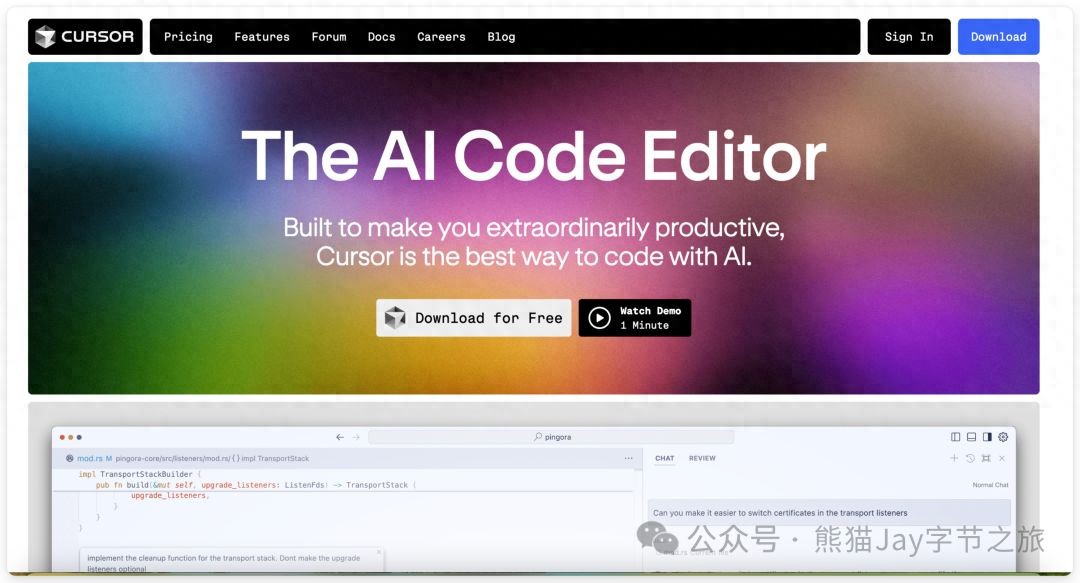 Click on the downloaded installation file and follow the prompts to install it step by step.
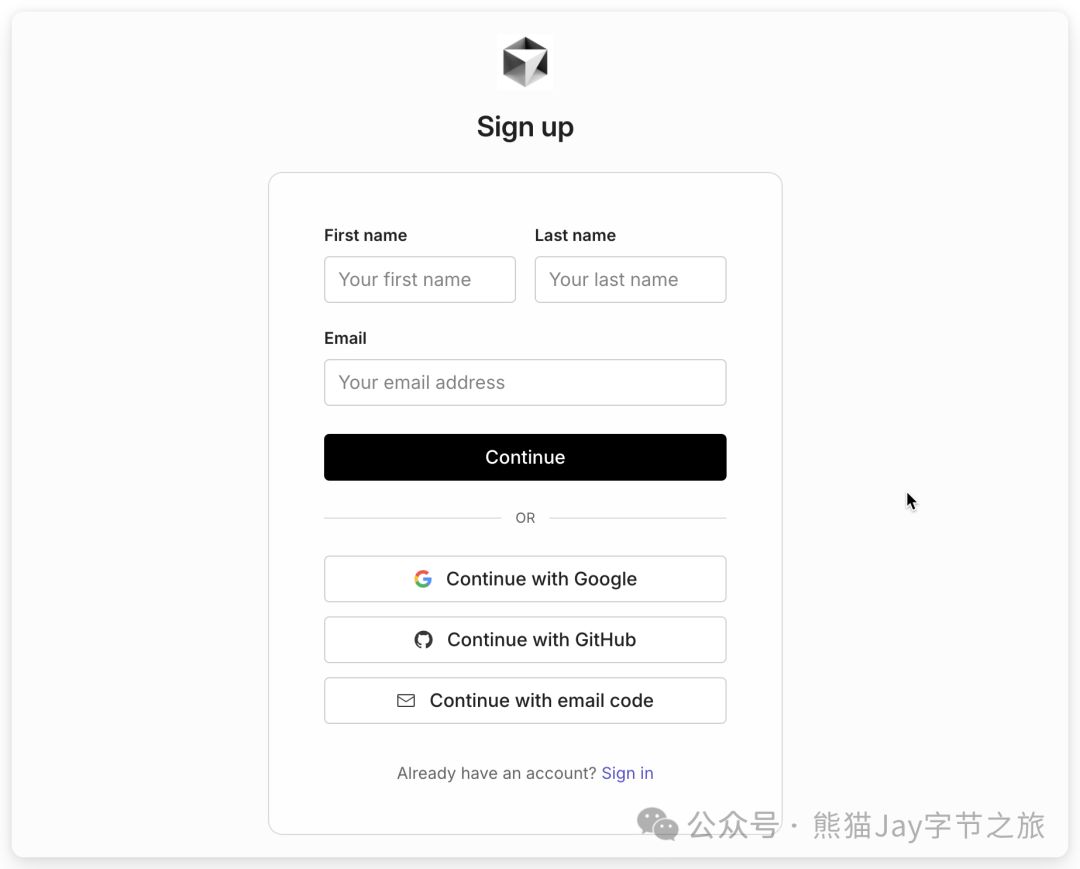
 Next, you need to register an account to use Cursor.
The official site supports three registration methods: GitHub, Google account, or a regular email address. I found that it supports domestic email addresses.
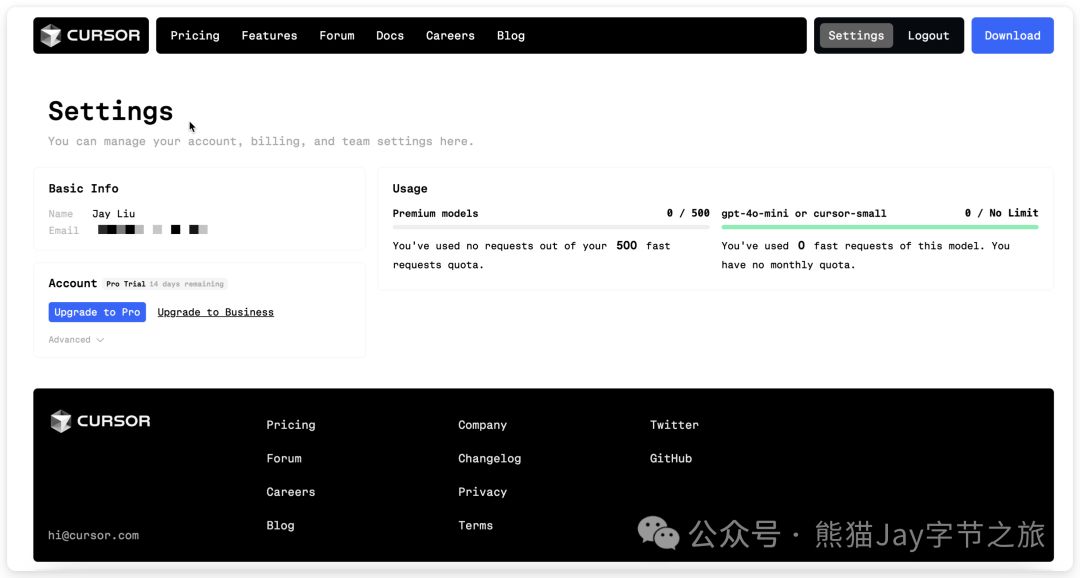
 After registering, regular users can experience the Pro version for free for 14 days, which includes 500 dialogues with advanced models like claude3.5-sonnet and gpt-4o.
Additionally, users can use gpt-4o-mini and cursor-small models without limits.
 Here’s a complete overview of its subscription model:
- Free User: 2000 queries with the standard model.
- Pro Mode: $20/month for 500 queries with advanced models, unlimited standard model queries.
- Business Mode: $40/month with unlimited queries for all models.
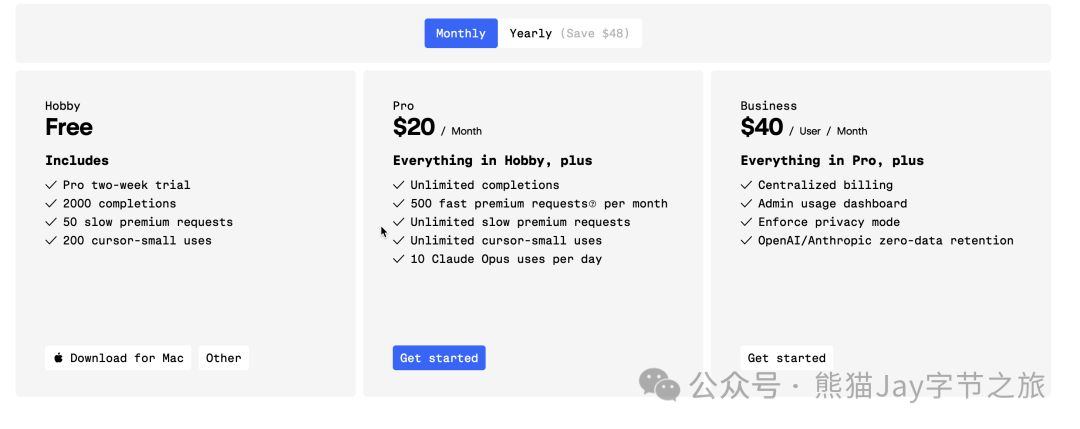 Honestly, the price is not low, but the 14-day free trial gives us ample opportunity to decide if we want to pay.
If it can create value exceeding $20 each month, then the subscription is worth it.
Note: I offer low-cost Cursor membership recharge services; feel free to message me if interested.
Creating Code Structure Globally
Mac users can use Command + i to wake up Composer and start creating the code structure by entering prompts.
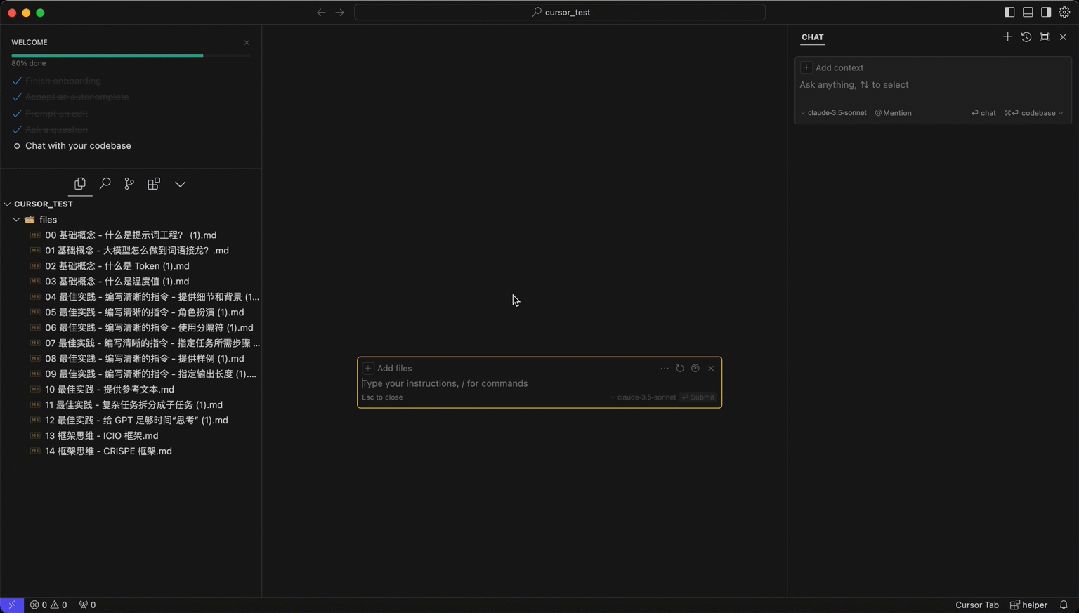 Open the index.html file in your browser to see the initial effect.
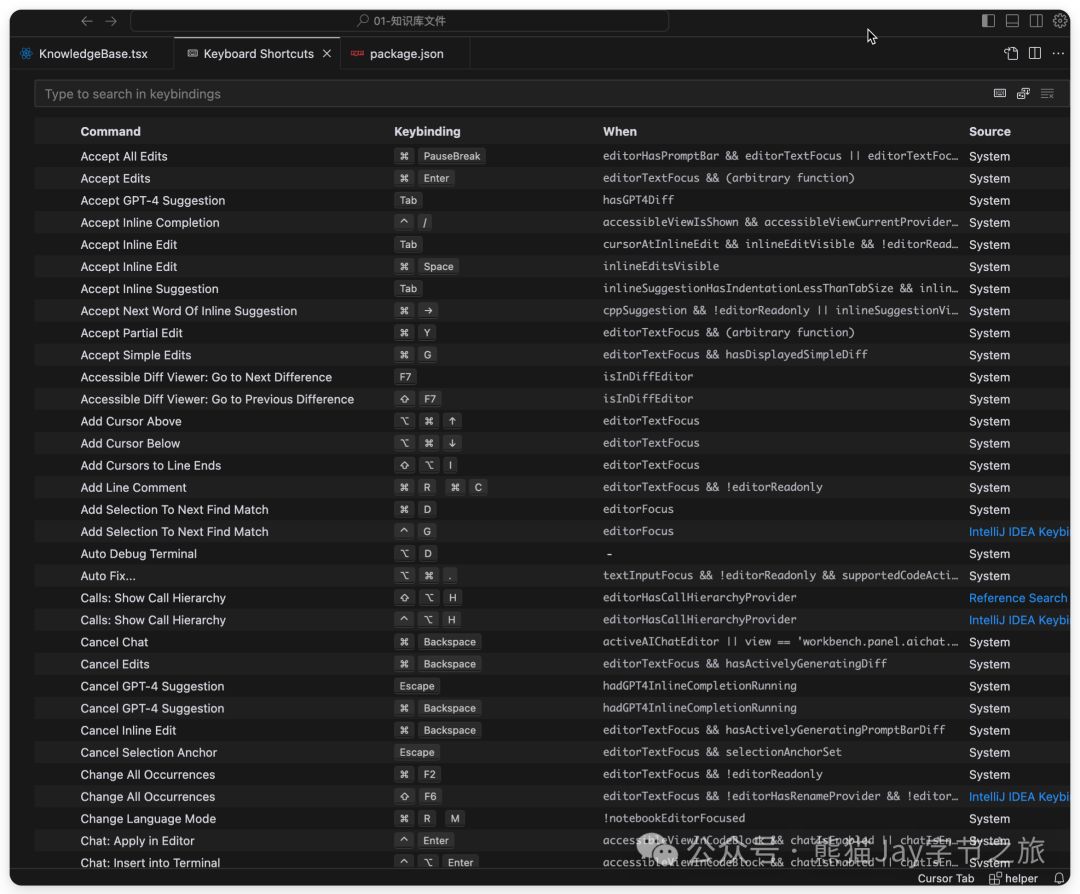
 For shortcut keys on other systems, you can check the Cursor > Setting > Keyboard Shortcuts list.
Adding/Modifying Code and Text
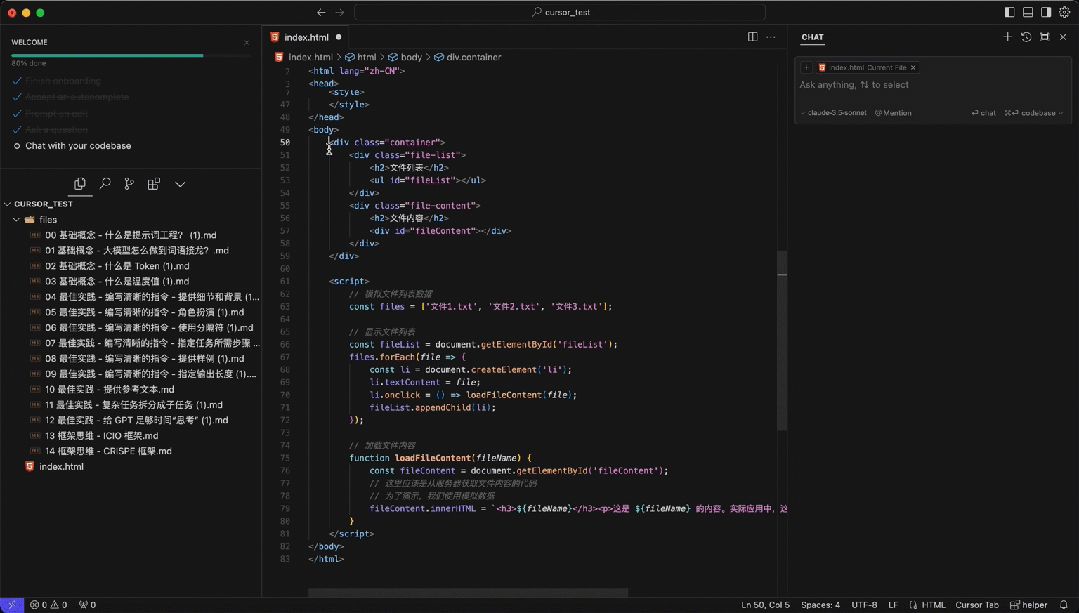
Select the code and use Command + K to open a window and enter modification requests.
If no code is selected, you can ask AI to help implement new features.
Here, I asked the AI to add an ad space.
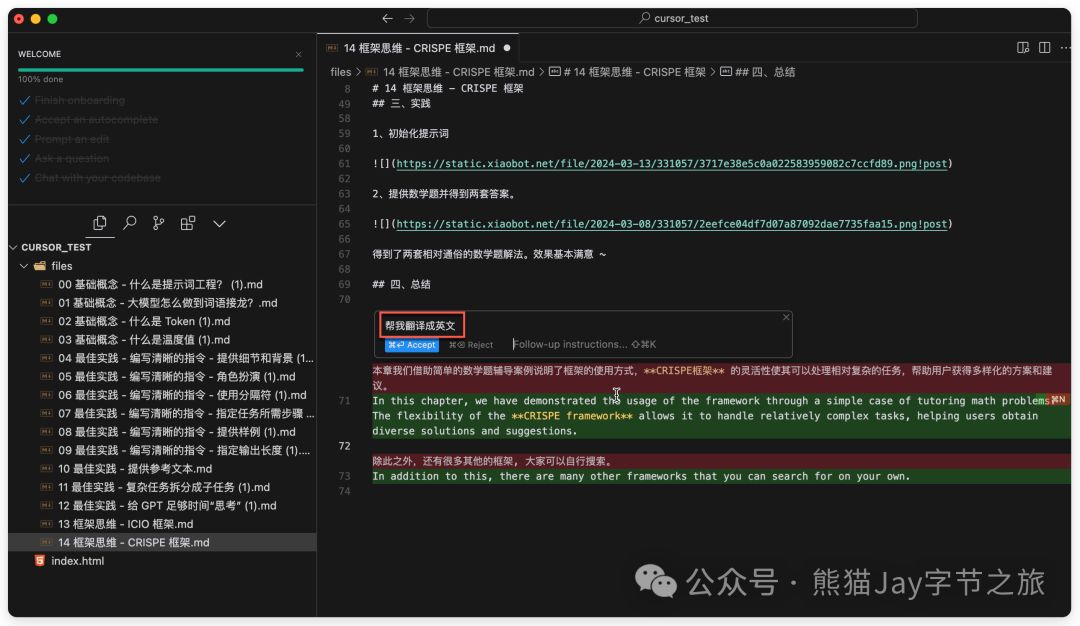
 Of course, besides code, we can also select text for modifications, such as rewriting or translating.
Auto-Completion of Code, Comments, and Text
When entering code or comments, Cursor will auto-complete the code, and pressing Tab will activate it.
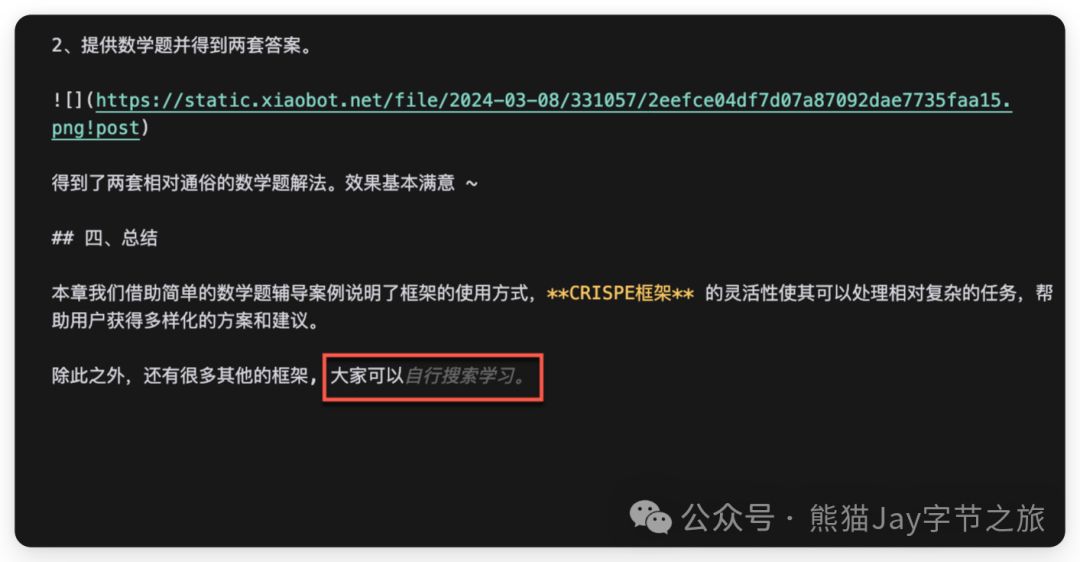
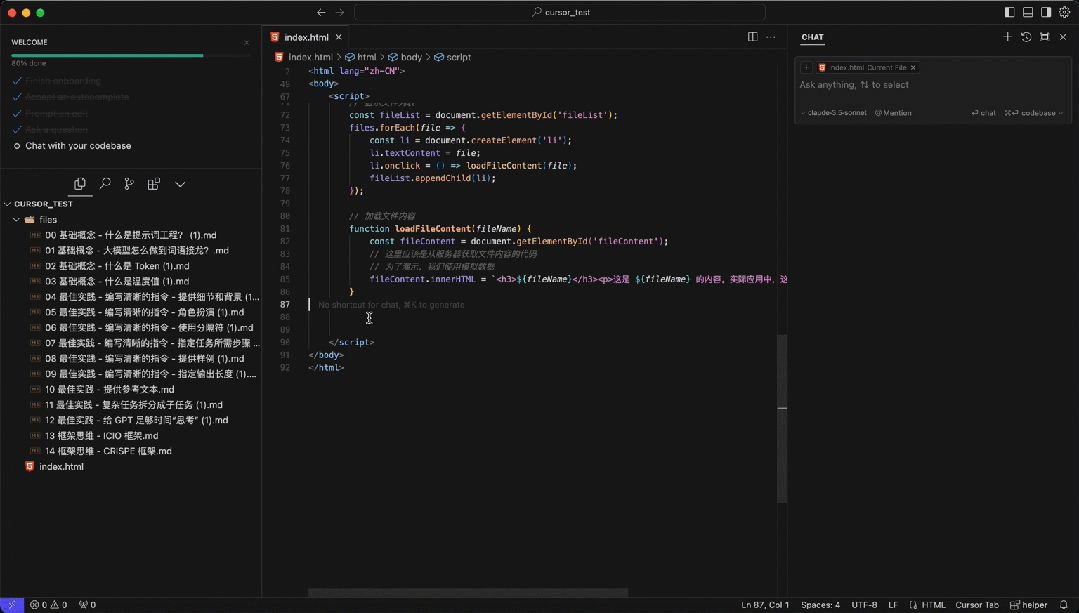 In addition to code, it can also complete text; everyone can try it out.
Chat Window
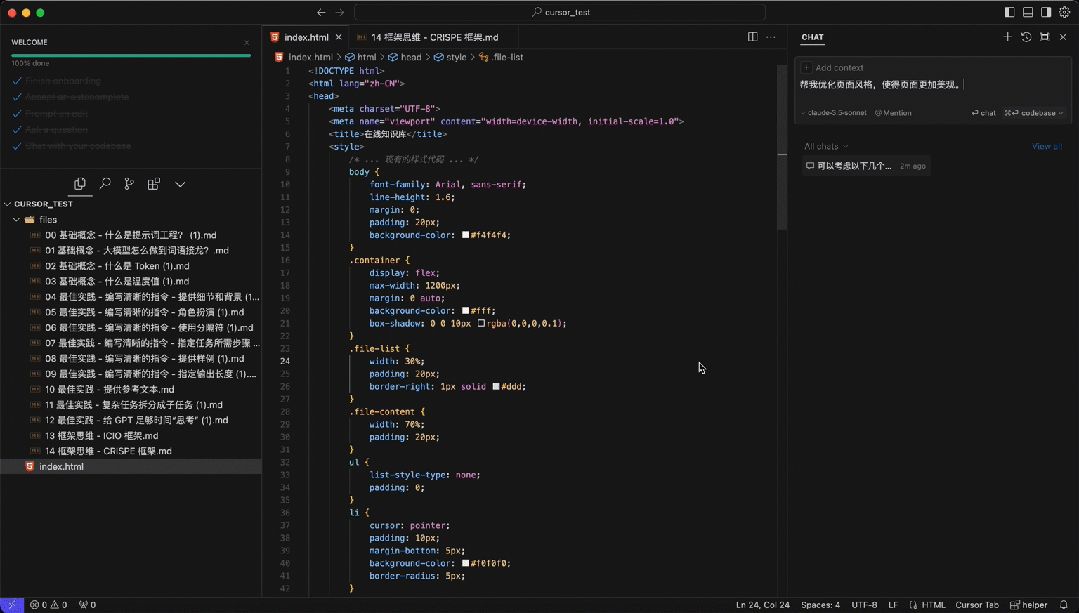
Mac users can open the chat window using Shift + Command + L and enter requirements for page optimization; AI can provide different solutions.
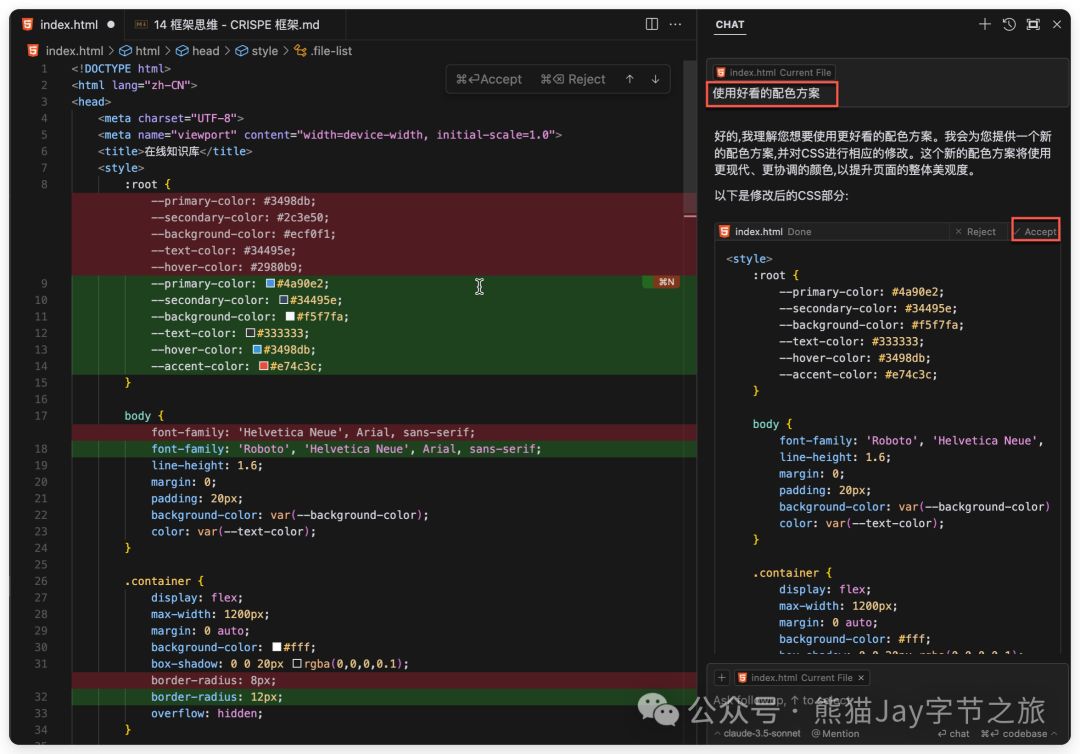
 Here, I preferred using a nice color scheme. Click Apply, then Accept, and it will take effect.
Remember to save the file afterward; otherwise, refreshing the page won’t reflect changes. Use Command + S on Mac.
 This is not a finished product; if you want to create a complete feature, you need to keep conversing with Cursor.
Feel free to experience it yourself.
Global Search
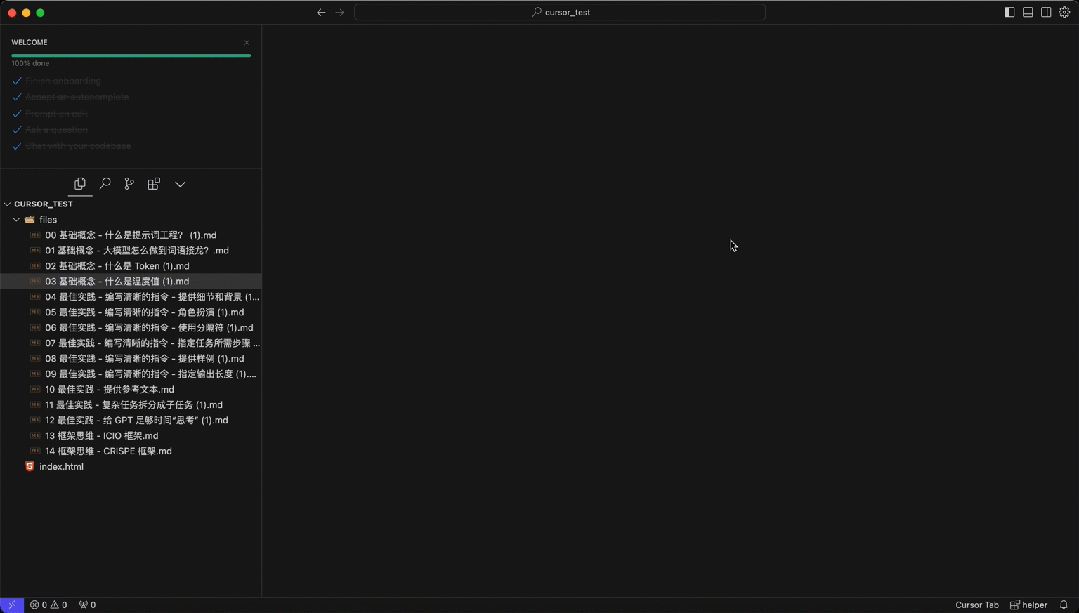
We can also use it as a simple AI search tool to answer questions based on existing folder content.
For example, I asked, Based on the file content, where are the misconceptions about temperature settings?
Its accuracy was high, even pinpointing specific lines in the files.
Conclusion
I have prepared a list of high-quality prompts for Cursor uploaded after extensive user practice for us to learn and reference.
Reply in the comments with: “cursor prompts” to receive it.
After personal experience, I must admit that Cursor is indeed one of the strongest AI programming tools available today.
Who would have thought that Cursor, which stands out in fierce competition with tech giants, is actually a small team of only 12 people?
Browsing through their blog, we can feel their ambitious vision: to create a tool that makes programming easier, more enjoyable, and fun, helping global developers focus on more significant issues.
It is evident that they are full of hope and energy, leveraging innovative thinking to disrupt the entire industry and become a leader.
This reminds me of another incredible AI product—MidJourney.
The emergence of these AI products proves that:
Regardless of team size, as long as you focus on a specific scenario or problem and maintain innovation, opportunities always exist.
If you find this useful, please give a like, bookmark, and share!
If you want to receive updates immediately, you can also give me a star ⭐
Thank you for reading my article!
Comments
Discussion is powered by Giscus (GitHub Discussions). Add
repo,repoID,category, andcategoryIDunder[params.comments.giscus]inhugo.tomlusing the values from the Giscus setup tool.